
Mobile Non-GamStop Casinos: Browser, PWA and Native App Reality
 Available in GB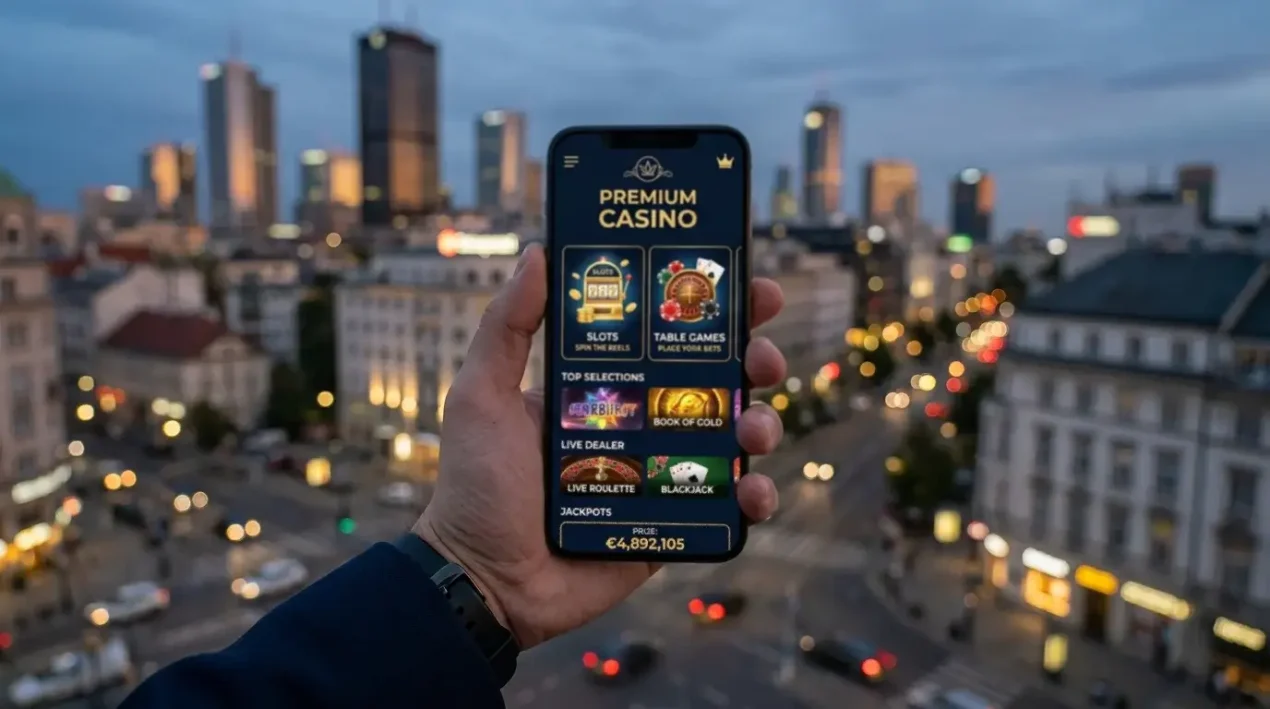
The mobile casino question that comes up most often in 2026 is not “is there an app” but “can the app I want actually run on my phone.” That distinction reflects how the mobile non-GamStop landscape has evolved. The GSGB Year 2 Wave 3 figures showed online gambling four-week participation at 37% of UK adults, with online betting more common among men (13%) than women (4%) — and the vast majority of that activity now happens on mobile. The technical question for offshore operators is which mobile delivery channel makes sense — browser, PWA or native app — and the answer differs by jurisdiction, store policy and operator priorities.
The full picture is in our explainer on non-GamStop casinos.
Browser as the Default and Why
The mobile browser is the default delivery channel for almost every offshore casino targeting UK players, and the reason is simple. The browser sits outside Apple and Google’s app store policies, which prohibit real-money gambling apps in markets where the operator is not licensed locally. UK access to App Store and Play Store gambling apps is restricted to UKGC-licensed operators only. An offshore casino with a Curaçao or Anjouan licence cannot publish a real-money app to the UK store, but can serve identical functionality through a mobile-optimised website accessible via Safari on iOS or Chrome on Android.
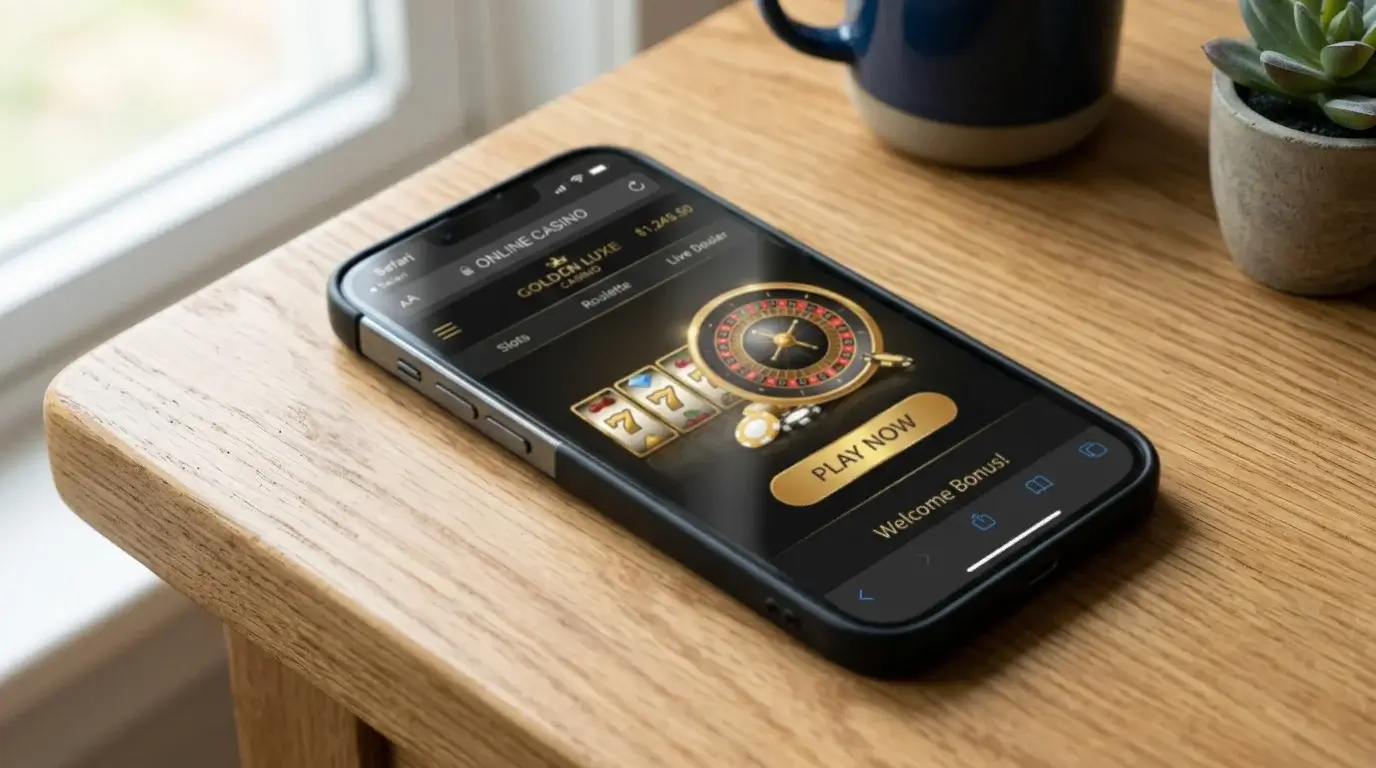
The browser delivery channel covers the GSGB Year 2 Wave 3 finding of 13% online betting participation among men, much of which is mobile-driven. The technical performance of browser-delivered offshore casinos has improved substantially over the past three years. WebGL rendering, hardware-accelerated CSS animations, audio support and persistent session state on modern mobile browsers produce a play experience functionally equivalent to native applications. The remaining gap — primarily push notifications and certain offline features — is narrowing through PWA technologies.
The browser approach also handles regional restrictions transparently. The same URL serves UK players, Australian players and global users, with the operator’s geo-detection at the server level controlling which features and games each player sees. A new operator can launch on a single URL without separate app versions for different jurisdictions. The simplicity advantage explains why most offshore brands run browser-first even when other delivery options are available.
PWA: Progressive Web Apps on iOS and Android
Progressive Web Apps are the middle ground between browser and native. A PWA is a website with additional metadata and service worker code that lets the user “install” it to their home screen, giving it an icon and full-screen behaviour indistinguishable from a native app. On Android, PWAs install through Chrome’s “Add to Home Screen” prompt and gain access to a broader set of device APIs than a regular browser tab. On iOS, PWAs install through Safari’s share menu and gain a more limited but still functional integration.
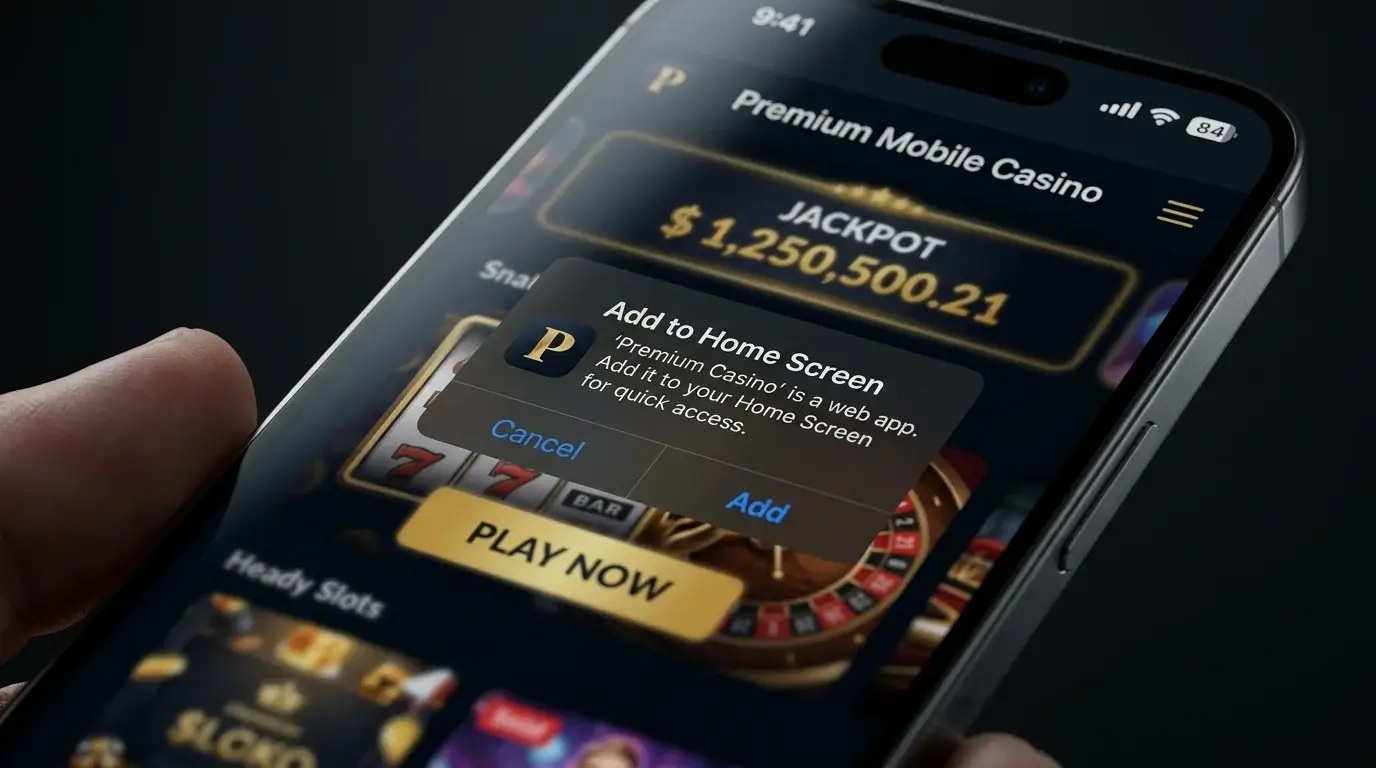
The PWA approach is increasingly the standard for serious offshore mobile casinos. The icon on the home screen creates app-like engagement without going through the App Store or Play Store, which means no compliance with their gambling-app policies. The user experience after install closely matches a native app — full-screen display, no browser chrome, push notifications on Android (limited on iOS), and offline detection. The technical implementation is well-documented and supported by most casino platform suppliers.
The PWA limitation on iOS is more significant than on Android. iOS Safari’s PWA implementation does not support push notifications (until iOS 16.4 limited support was added), background sync, or certain payment APIs that Android Chrome handles. The practical effect is that iOS PWA users get a slightly more limited experience than Android PWA users on the same casino. For most casual playing patterns the gap is invisible; for power users relying on push notifications for promotion alerts, the gap is more noticeable.
Native App Availability and Store Policy
Native apps for offshore casinos exist but are constrained by store policy. Apple’s App Store policy requires real-money gambling apps to be published by operators with valid gambling licences in the user’s territory. The same applies to Google Play Store on Android. The effect is that UK users cannot install real-money offshore casino apps from either store. UK-licensed operators can publish apps that UK users can install; offshore operators cannot.

Some offshore operators distribute Android apps via direct APK download from their websites, sideloaded outside the Play Store. The sideload process requires users to enable “Install from unknown sources” in Android settings, accept a security warning, and manually install the APK file. The technical capability exists on every Android device, but the friction is meaningful — the warning language is alarming, the process is unfamiliar to casual users, and security-conscious users avoid it.
Fiona Palmer of Gamstop addressed the broader UK player base awareness issue in July 2025: “We have worked very hard to increase awareness of GAMSTOP amongst younger consumers, and the latest figures suggest that work is paying off.” The mobile distribution channels matter for awareness too — the offshore segment relies on direct-web channels rather than store discovery, which affects how players find non-GamStop sites in the first place. The browser and PWA channels reach players via SEO, paid search and affiliate marketing rather than store search.
For iOS, sideloading is not generally available — Apple’s tighter device control means users cannot install apps from outside the App Store without jailbreaking the device, which is uncommon. The practical effect is that iOS users of offshore casinos are restricted to browser or PWA delivery; Android users have the additional sideload option but most do not use it. The PWA approach has become the de facto cross-platform standard for serious offshore operators.
Our top casino picks for the UK
- x3betBonus: Welcome Pack 100% Up to £1.000 + 200 Free Spins · Payout speed: 1-3 business days
- NightWinBonus: £900 + 400 free spins · Payout speed: 1-3 business days
- Revery PlayBonus: 100% up to€1,000+ 100 FS · Payout speed: 1-3 business days
- DieselwinBonus: Welcome Pack 250% up to £4000 + 200 FS · Payout speed: 1-3 business days
- ChanzeBonus: Slots Welcome Bonus #1 200% up to €500 · Payout speed: 1-3 business days
- BritsinoBonus: Welcome Package – Get your £2,200 + 2,000 FS · Payout speed: 1-3 business days
- SlotoSportBonus: 500% up to £ 10 200+ 777 FS · Payout speed: 1-3 business days
Mobile Cashier and Biometric Auth
The mobile cashier — deposit and withdrawal interface — is where mobile offshore casinos invest most of their UX work. The cashier needs to handle multiple payment methods (cards, e-wallets, crypto wallets), regional payment-method availability, KYC document upload via mobile camera, and transaction history display. Most modern offshore mobile casinos handle all of these competently. Crypto deposits typically work via QR code scanning or wallet-deep-linking; card deposits use stored card details with CVV re-entry; e-wallet deposits use the wallet provider’s mobile authentication flow.
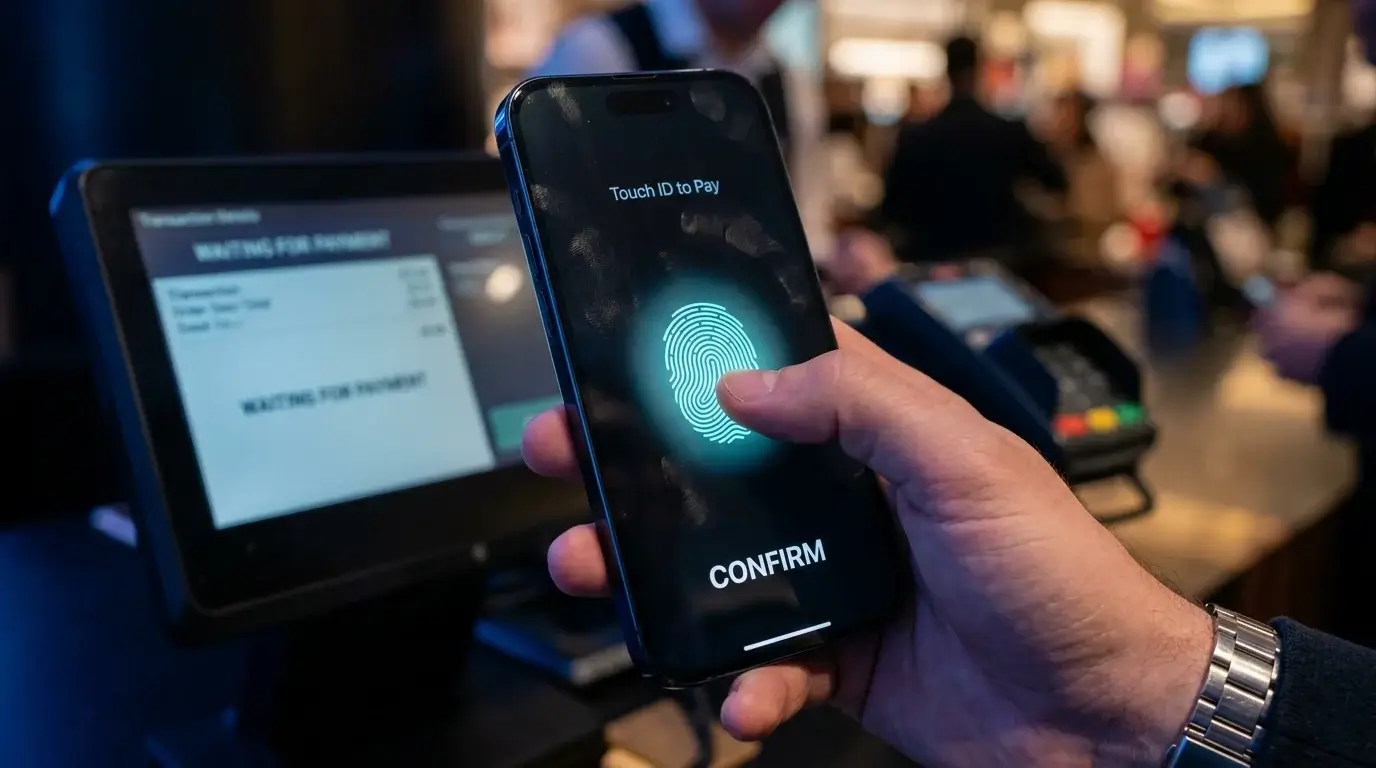
Biometric authentication for login and high-value actions is increasingly standard. Touch ID and Face ID on iOS, fingerprint and face unlock on Android, both integrated through standard browser APIs. The biometric flow replaces password entry for return logins, which both improves user convenience and reduces account-takeover risk from compromised passwords. The implementation is typically optional but heavily promoted, with most active mobile users enabling it shortly after registration.
KYC document upload via mobile camera has become standard. Players photograph their identification document and a selfie holding the document, then upload through the cashier interface. The process completes in under five minutes for most users on first-time KYC. Some operators integrate third-party identity verification services (Jumio, Onfido) that combine document analysis, face matching and liveness detection in a single mobile flow.
Mobile RG Tools: Screen-Time Limits
Responsible gambling tools have moved toward mobile-first delivery. Most offshore casinos now offer screen-time limits accessible directly from the mobile interface, deposit and loss limits configurable through the mobile cashier, and session reminders that surface as mobile notifications during play. The screen-time limit caps the duration of an individual session, with the operator either logging the player out or displaying a reality-check prompt at the limit.
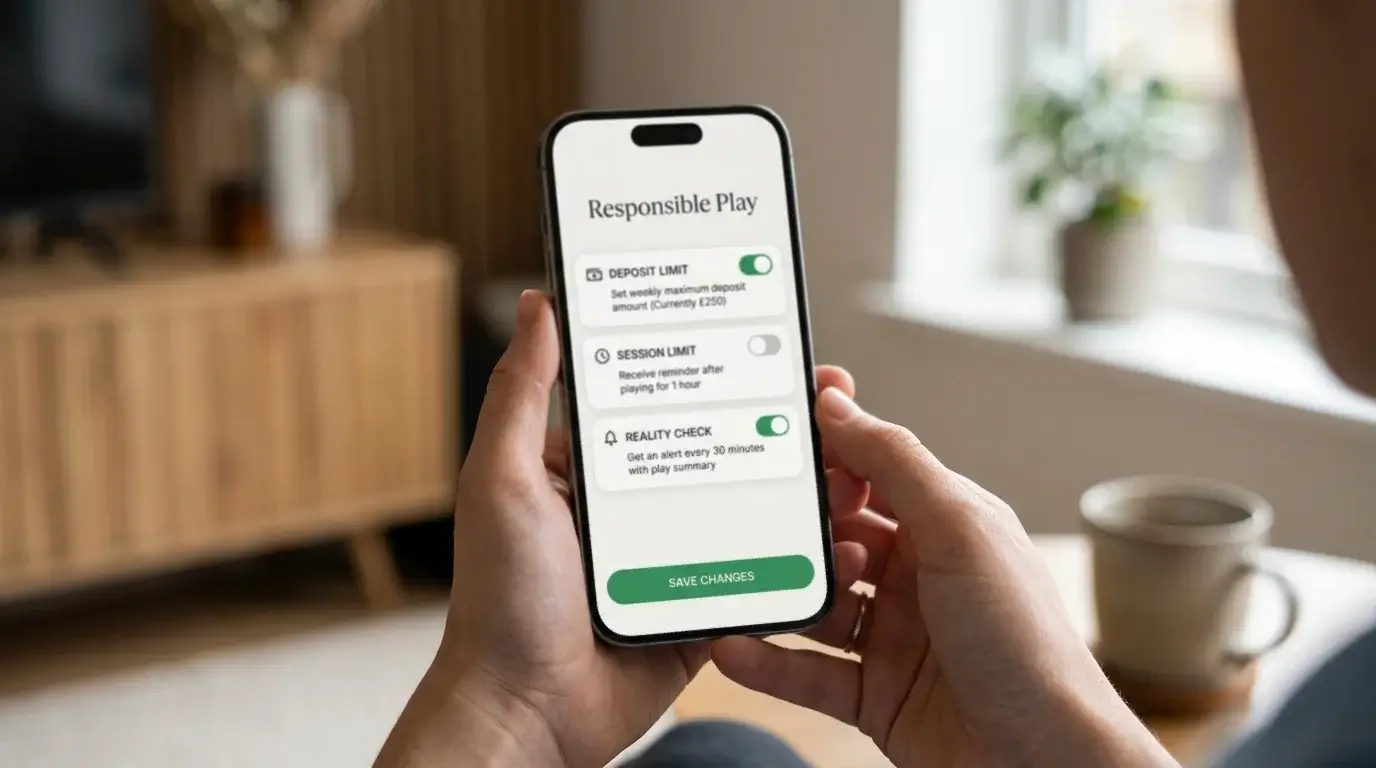
The mobile RG tool quality varies by operator. Curaçao LOK and Anjouan B2C licence conditions require basic RG functionality, but the depth and usability of the tools depend on operator investment. Better operators offer pre-deposit limit setting (limits configured before the first deposit), staged limits that step down gradually rather than imposing a single ceiling, and session-pattern analysis that flags rising stake patterns to the player. Weaker operators offer only the minimum required functionality with rudimentary UI.
Where Mobile Choice Actually Matters
The mobile delivery channel does not affect game content or bonus structure — the same casino delivers the same games and the same promotions across browser, PWA and any native app variants. What does change is the friction of access, the engagement loop and the integration with device capabilities. For most UK players the browser-or-PWA choice is the only one that applies, and the PWA’s home-screen icon is the practical upgrade over plain browser use. The next dimension where offshore product design diverges from UKGC equivalents is stake limit structure — the £5 spin cap that defines UKGC slot play sits against very different ceilings at offshore operators, and the practical implications are covered on stake limits at non-GamStop sites.
Paying from a phone: Apple Pay and Google Pay.
Why do non-GamStop sites prefer PWAs to native apps on iOS?
Apple’s App Store policy requires gambling apps to be published by operators licensed in the user’s territory. UK-targeted offshore operators with Curaçao or Anjouan licences cannot publish real-money apps to the UK App Store. PWAs sit outside the App Store entirely — they install via the browser’s ‘Add to Home Screen’ function — which means the same policy constraints do not apply. The PWA gives the user app-like experience with home-screen icon and full-screen display, without requiring App Store distribution. On iOS the PWA is the only viable app-like delivery option for offshore operators.
Does sideloading an Android casino app raise additional security risks?
Sideloading carries some risk because the user bypasses Google’s Play Protect malware screening for the installed app, but the risk is limited if the APK comes directly from a verified operator domain. The Android sideload process requires enabling ‘Install from unknown sources’ temporarily, which is a one-time setting that can be disabled after installation. The legitimate offshore operators using sideload distribution generally code-sign their APKs and publish them from secure HTTPS endpoints. The bigger risk is sideloading APKs from third-party download sites that may have been modified to include malware — downloading only from the operator’s official domain mitigates this.
This material was created by the OFFSTAKE team.
Related posts

Terms of Use for a UK Casino Information Site

Top-Rated Online Casinos UK: Amatic Games Explained